


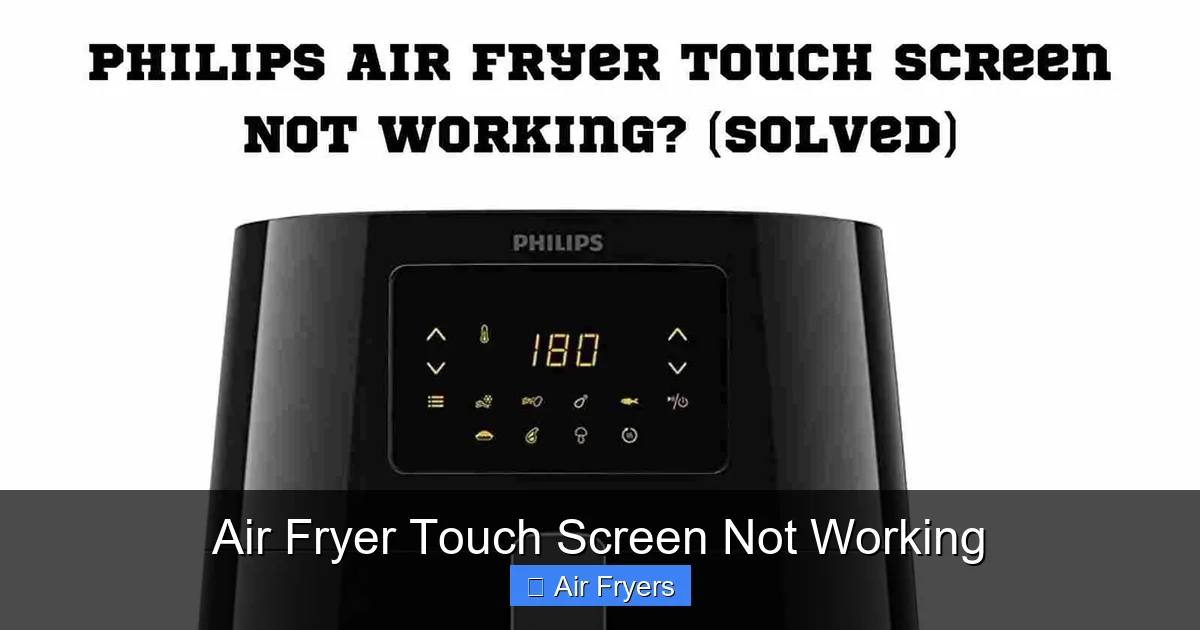
Your air fryer touch screen not working? Don’t panic! Most touchscreen issues are simple to fix. This article walks you through common causes like power problems, moisture, or dirt, and gives you step-by-step solutions. Learn when it’s time to call support or replace the unit so your kitchen stays efficient and your meals stay delicious.
Have you ever reached for your favorite air fryer only to find its sleek touch screen completely unresponsive? You press the buttons, swipe the icons, but nothing happens—no preheat, no timer, no cooking mode. Frustrating, right? You’re not alone. Air fryer touch screen not working is one of the most common complaints among home cooks who rely on these smart appliances for quick, healthy meals. Whether you’re frying crispy fries, roasting vegetables, or baking cookies, a broken touch interface can halt your entire meal prep.
Modern air fryers come packed with features: preset programs, digital timers, temperature controls, and even smart connectivity. All of these depend on responsive touch panels. When they fail, it feels like losing half the appliance. But before you consider tossing it out (or returning it), let’s explore what could be going wrong and how to fix it—without spending a fortune.
Key Takeaways
- Power cycle the air fryer: Unplug for 30 seconds, then plug back in—this resets the control board and often fixes unresponsive screens.
- Clean the touch panel gently: Use a soft cloth and mild soap; avoid liquids that can seep into sensors and cause permanent damage.
- Check for moisture or debris: Crumbs or spills near the screen can interfere with touch sensitivity—clean around edges carefully.
- Update firmware if available: Some modern models allow software updates via app or USB drive that may resolve known bugs affecting the display.
- Inspect for physical damage: Cracked glass or loose connections indicate hardware failure requiring professional repair or replacement.
- Contact manufacturer support: If none of the above works, warranty service might cover free repairs or unit replacement.
- Prevent future issues: Always dry hands before use and keep the area clean to maintain optimal touchscreen performance.
📑 Table of Contents
- Understanding Your Air Fryer’s Touchscreen System
- Common Causes of an Air Fryer Touch Screen Not Working
- Troubleshooting Steps When Your Touch Screen Stops Responding
- When to Suspect Hardware Failure
- How to Contact Manufacturer Support
- Preventative Maintenance Tips
- Should You Replace or Repair?
- Final Thoughts
Understanding Your Air Fryer’s Touchscreen System
Before diving into fixes, it helps to know how the touchscreen actually works. Unlike traditional knobs or dials, touch-sensitive surfaces detect electrical changes when your finger touches the surface. These sensors sit just beneath the glass or plastic layer covering the display. Over time, dust, grease, moisture, or accidental impacts can disrupt this delicate system.
Most touch panels use either resistive (older style) or capacitive (modern, smoother feel) technology. Capacitive screens—common in newer models—are more sensitive but also more prone to interference from water droplets, metal objects, or even static electricity. That’s why manufacturers always warn against using wet hands or cleaning agents directly on the screen.
Common Causes of an Air Fryer Touch Screen Not Working
If your air fryer touch screen not working, don’t assume it’s a total breakdown. In many cases, the problem has a simple explanation.
One frequent culprit is power supply instability. Sometimes, the outlet isn’t providing steady voltage, or there’s a loose connection in the cord. This can confuse the control board enough to freeze the display. Another issue involves software glitches. Just like phones or tablets, air fryers run on firmware that occasionally needs a reset or update.
Environmental factors play a big role too. Spilled oil, crumbs, or even humidity can coat the sensor grid underneath the glass. Even fingerprints left during setup can accumulate and block signals. And yes—sometimes, kids or pets accidentally drop something heavy on top of the unit, bending the frame slightly and disrupting internal wiring.
Troubleshooting Steps When Your Touch Screen Stops Responding
Don’t worry—most touchscreen failures aren’t permanent. Try these practical steps first:
1. Power Cycle the Unit
Unplug your air fryer from the wall outlet. Wait at least 30 seconds—longer if possible (up to 5 minutes). This allows capacitors inside to fully discharge and resets the memory of the control module. Plug it back in and test the screen. Many users report success with this basic step alone.
2. Clean the Touch Surface Gently
Use a microfiber cloth lightly dampened with water and mild dish soap. Never spray cleaner directly onto the screen. Wipe in straight lines, avoiding circular motions that might spread residue. Pay special attention to corners where food particles tend to hide. After cleaning, dry thoroughly with another dry cloth.
3. Remove External Interference
Check for anything blocking the screen: protective stickers, decorative overlays, or even thick tablecloths draped over the countertop. Also ensure no metal utensils or keys are resting near the edges, as they can create false inputs.
4. Test in a Different Outlet
Plug your air fryer into another outlet—ideally on a different circuit—to rule out electrical issues. If the screen works elsewhere, the original socket may need inspection.
5. Reset to Factory Settings
Many advanced models have a hidden reset button (often a tiny hole beside the power port). Press it with a paperclip while plugged in. Refer to your manual for exact instructions—some require holding multiple buttons simultaneously.
When to Suspect Hardware Failure
If after trying all the above your air fryer touch screen not working still persists, hardware may be involved. Look for signs like:
– Visible cracks or scratches on the glass overlay
– Loose or detached bezel around the display
– Error messages appearing briefly before going blank
– The screen flickering or showing distorted graphics
These point toward damaged sensors, broken ribbon cables, or a failed motherboard. Unfortunately, replacing internal components usually requires technical skill and specialized tools. At this stage, contacting the manufacturer becomes essential.
How to Contact Manufacturer Support
Start by checking your user manual or product label for customer service details. Reputable brands like Ninja, Philips, Cosori, Instant Pot, and Breville offer online chat, phone support, or email assistance. Be ready to provide:
– Model number (found on base or back panel)
– Purchase date and proof of purchase
– Description of symptoms and troubleshooting tried
If under warranty, repairs or replacements should be covered at no cost. Avoid third-party repair shops unless absolutely necessary—they may void your coverage.
Preventative Maintenance Tips
Keep your touchscreen functioning smoothly with regular care:
– Always wash removable trays and baskets before placing them back
– Wipe down exterior surfaces weekly with a damp cloth
– Store the fryer in a dry, cool place away from high-traffic zones
– Avoid using abrasive sponges or harsh chemicals near controls
– Keep pets and children supervised near the appliance
Also, consider investing in a surge protector. Power surges can silently damage internal circuits, including touch controllers.
Should You Replace or Repair?
This depends on several factors. If your air fryer is less than two years old and still under warranty, repair is almost always the better choice. For older units, weigh repair costs against buying a new model. Today’s best air fryers—like those featured in our Top Rated Air Fryers guide—often include improved touch interfaces with better durability.
Newer designs incorporate reinforced glass and sealed sensor layers that resist moisture and wear. Plus, advanced features like dual-zone cooking or smart recipe apps make upgrading worthwhile for frequent users.
Final Thoughts
A non-responsive touch screen doesn’t mean your air fryer is dead. With patience and the right approach, many issues can be resolved at home. Remember: start simple—clean, reset, check power—before assuming major damage. And always consult your manual before attempting any advanced fixes.
If you’ve tried everything and your air fryer touch screen not working remains unresolved, reach out to support. Most reputable brands stand behind their products and will help get you back up and running.
And hey—if it’s time for an upgrade, check out our picks for Best Air Fryer for Family Cooking or Best Air Fryer Under $100. You’ll find models with reliable touchscreens designed to last.
Frequently Asked Questions
Why is my air fryer touchscreen not responding at all?
This usually happens due to a temporary software glitch or power fluctuation. Try unplugging the unit for 30–60 seconds to reset the control board. If that fails, clean the screen gently with a microfiber cloth and check for visible damage or debris around the edges.
Can moisture cause my air fryer touchscreen to stop working?
Yes! Even small droplets of water or steam can interfere with capacitive touch sensors. Always ensure your hands are dry before touching the screen, and wipe away any condensation or spills immediately. Never spray cleaning liquid directly onto the display.
Is it safe to clean the touchscreen with soap and water?
Absolutely—but do it carefully. Use a barely damp microfiber cloth with mild soap, wipe gently, and dry thoroughly. Avoid soaking the area or using paper towels, which can leave lint or scratch the surface.
My screen flickers or shows error codes—what does this mean?
Flickering or error messages often signal deeper hardware issues like loose connections or failing circuits. First, try a full power cycle. If problems persist, note the exact code and contact manufacturer support—they can diagnose whether it’s a fixable fault or a sign of irreparable damage.
Will resetting my air fryer delete my saved settings?
It depends on the model. Some air fryers retain presets in memory even after a reset, while others restore factory defaults. Check your manual or perform the reset during setup to minimize data loss. Most modern units sync settings to cloud apps anyway.
How do I know if my touchscreen needs professional repair?
If you notice physical cracks, persistent errors, or the screen remains unresponsive after thorough cleaning and a power reset, it’s likely a hardware issue. Contact the manufacturer first—they may offer free diagnostics or warranty service before suggesting paid repairs.
